5 Essential Tips to Boost Your Website's Speed
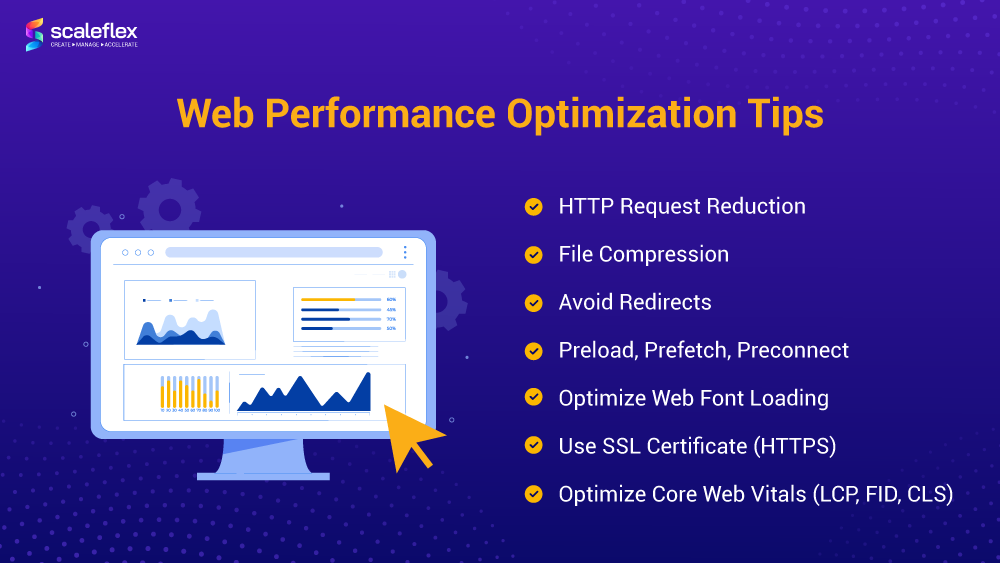
In today's fast-paced digital landscape, website speed plays a crucial role in user experience and search engine optimization. Implementing effective strategies can dramatically improve your site's performance. Here are 5 essential tips to enhance your website's speed:
- Optimize Images: Ensure your images are not larger than necessary, compress them, and use the correct file format. Tools like TinyJPG can help reduce image file sizes without sacrificing quality.
- Minimize HTTP Requests: Each element on your page increases load time. Reduce these by simplifying your design, combining CSS and JavaScript files, and utilizing CSS sprites for images.
In addition to the tips above, consider leveraging browser caching and a Content Delivery Network (CDN). With caching, repeat visitors can load your site faster, as static resources are stored in their browser. Learn more about caching strategies from Web.dev. By employing a CDN, you can deliver content from servers closer to your users, significantly improving load times and performance.
- Reduce Server Response Time: Monitor your server's performance and work with a provider that can meet your speed requirements.
- Enable Compression: Use Gzip or Brotli to reduce the size of your CSS, HTML, and JavaScript files that are larger than 150 bytes, allowing quicker downloads for your visitors. More on this can be found at Google Developers.
Understanding the Impact of Website Speed on User Experience
Website speed plays a crucial role in shaping the overall user experience. Studies have shown that users tend to abandon websites that take more than three seconds to load, which significantly impacts both engagement and conversion rates. According to Google's research, a one-second delay in loading time can lead to a 20% decrease in traffic. This statistic underscores the necessity for website owners to prioritize speed optimization as part of their digital strategy.
Furthermore, website speed affects search engine rankings. Google includes website performance as a ranking factor in its algorithm, meaning that a slow-loading site may not only repel users but also face challenges in achieving visibility in search results. For more information on how website speed impacts SEO, check out Google Developers. Consequently, investing in speed optimization not only enhances user satisfaction but also improves a site's ability to attract and retain organic traffic.
How to Measure and Optimize Your Website's Loading Time
Measuring your website's loading time is crucial for both SEO and user experience. To begin, you can use tools like Google PageSpeed Insights or GTmetrix which analyze your site's performance and provide detailed reports on loading speed. These tools not only offer a numeric representation of your loading time but also breakdown areas that require improvement, such as image sizes, script delays, and server response times. Regularly tracking this data will help you identify trends and understand how changes you implement affect loading times.
Once you've gathered your loading time data, the next step involves optimizing your website for speed. Some effective strategies include:
- Image Optimization: Compress images without sacrificing quality using tools like TinyPNG.
- Browser Caching: Enable caching to store frequently accessed resources for returning visitors; this can be configured via your website's .htaccess file or through a plugin.
- Minifying CSS and JavaScript: Reduce the size of your CSS and JavaScript files by removing unnecessary characters using tools like CSS Minifier.